VIXL

VIXL

Photo to Video AI, Free to Start

Start creating for free

VIXL / AI CREATIVE PLATFORM

Focused creative AI.One image in. Finished work out.No prompts.

VIXL brings focused AI creative products into one workspace — one account, one credit system, and a growing collection of tools for images, video and visual creation.

VIXL / WORKSPACE

One workspace. A growing set of creative products.

FORMATInterior Space Motion
CREDITS 400

Modern Living Room

Ready

VIXL / PRODUCTS

Choose a product and start creating

Focused creative tools, designed to work as one.

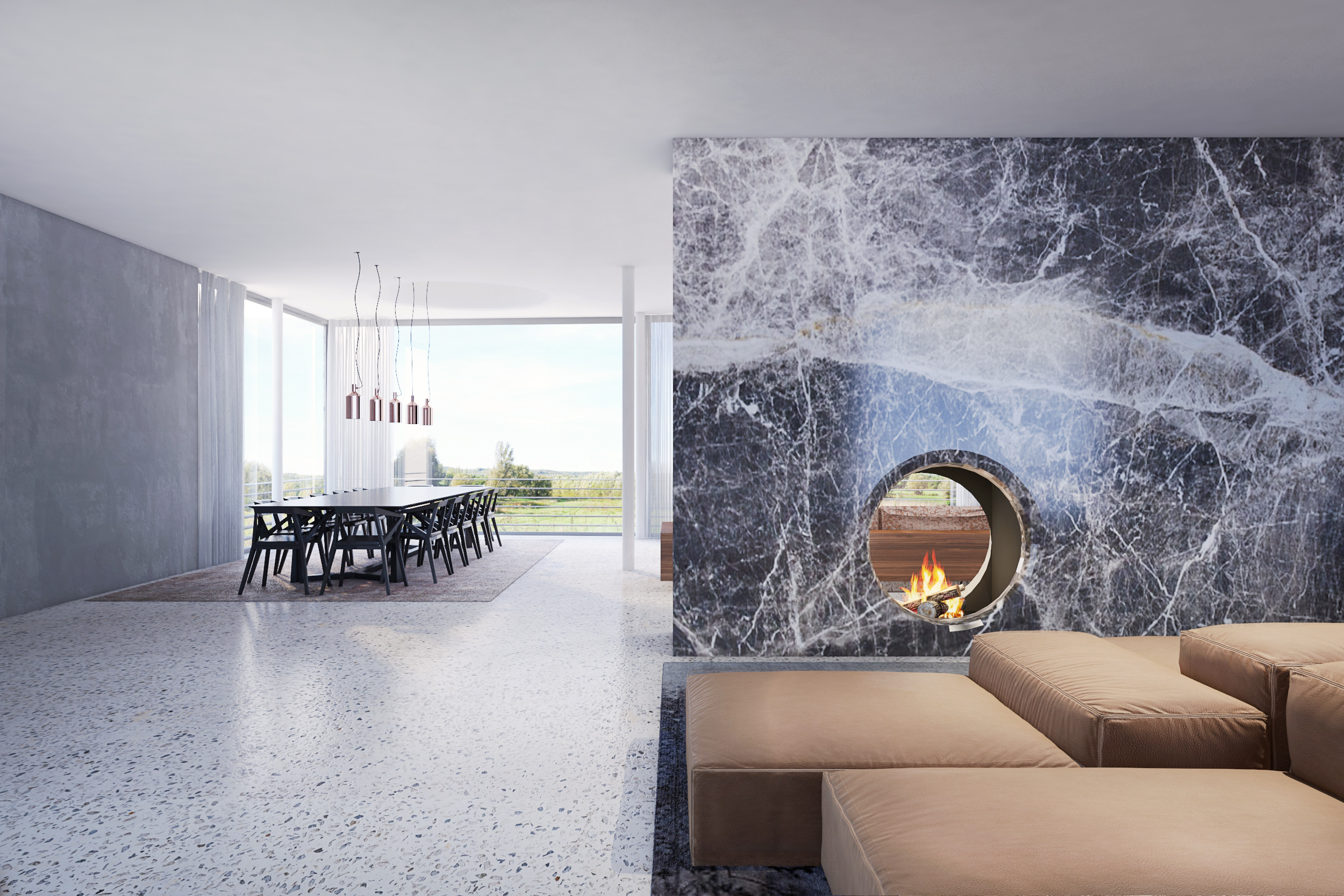
FORMAT — a modern living room interior, the kind of single image FORMAT turns into spatial motion

FORMAT

AVAILABLE NOWExplore FORMAT

Turn interior images into cinematic spatial motion.

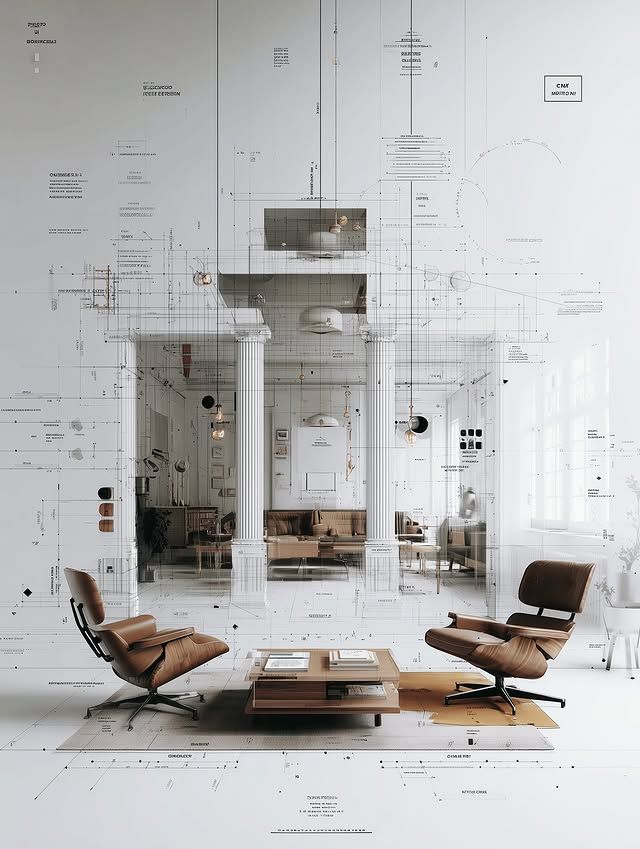
LINEA — sketch linework drawn over a classical interior, the sketch aesthetics language

LINEA

IN THE LAB

Sketch aesthetics for visual ideas.

VIXL / HOW IT WORKS

One image in. One moving shot out.

FORMAT is the first VIXL product, and it takes the shortest path from the work you already have to motion you can show.

  1. 01

    Upload

    One interior image or render — JPG, PNG or WEBP, up to 10 MB. No prompt to write.

  2. 02

    Generate

    FORMAT prepares four close-up views of the space, then renders a 15-second camera-move video from the same image.

  3. 03

    Download

    The 720p video and the four close-ups. Upgrade the video to 2K if a larger screen needs it.

WHAT YOU GET

  • 15-second video
  • 720p: 1280×720 (16:9) or 720×1280 (9:16)
  • Four close-up views included
  • Optional 2K upgrade
  • Silent MP4 — add your own audio
  • No visible watermark

VIXL / FAQ

Frequently asked questions

What is an AI interior video generator?

A tool that turns a still interior image into a video. FORMAT takes one interior design image and generates a 15-second space-motion video, plus four close-up views of the space.

How long is a FORMAT video?

Every FORMAT video is 15 seconds — a fixed, presentation-ready duration for client meetings, portfolios and social formats.

What aspect ratios are supported?

Two: horizontal 16:9 (1280×720) and vertical 9:16 (720×1280). You choose the ratio when you create a project.

Do I need to write an AI prompt?

No prompt is required. FORMAT works directly from your uploaded interior image — you upload, choose a format, and generate.

Is there a watermark, and does the video include sound?

No visible watermark is added to the videos or the close-ups you download, and the video is a silent MP4 — you add your own music or voice-over in any editor.

Can I export in 2K?

Yes. Videos are generated at 720p, and an optional 2K upgrade is available per video — 2560×1440 in 16:9 or 1440×2560 in 9:16.

WHICH FORMAT GUIDE FITS YOUR WORK?