VIXL / FORMAT
Photo to Video AI for Interior Design
AI image-to-video for interiors: turn one room photo or interior render into a 15-second video with automated cinematic camera movement — built for interior designers, architects and visualization workflows.
Your first four close-ups are free. Each 15-second 720p video costs $2.60–$3.25, with no subscription.
FORMAT at a glance
- Input
- One interior render or room photo — JPG, PNG or WEBP, up to 10 MB
- Output
- One 15-second video plus four generated close-up views
- Camera
- Five fixed moves, in the same order every time
- Aspect ratio
- 9:16 vertical or 16:9 horizontal
- Resolution
- 720p, with an optional 2K upgrade
FORMAT or a general AI video model?
FORMAT is built for one job: an interior render or photo in, a 15-second video and four close-ups out, with no prompt. If you need a custom camera path, a different length, or a general model for other subjects, compare the trade-offs before you buy.
One still image in. One cinematic video out.
Interior image → FORMAT → 15-second space-motion video
Real AI interior video examples
Three real FORMAT results. Each video was generated from the single interior render shown next to it, with no scene file and no prompt.
Input · one still render
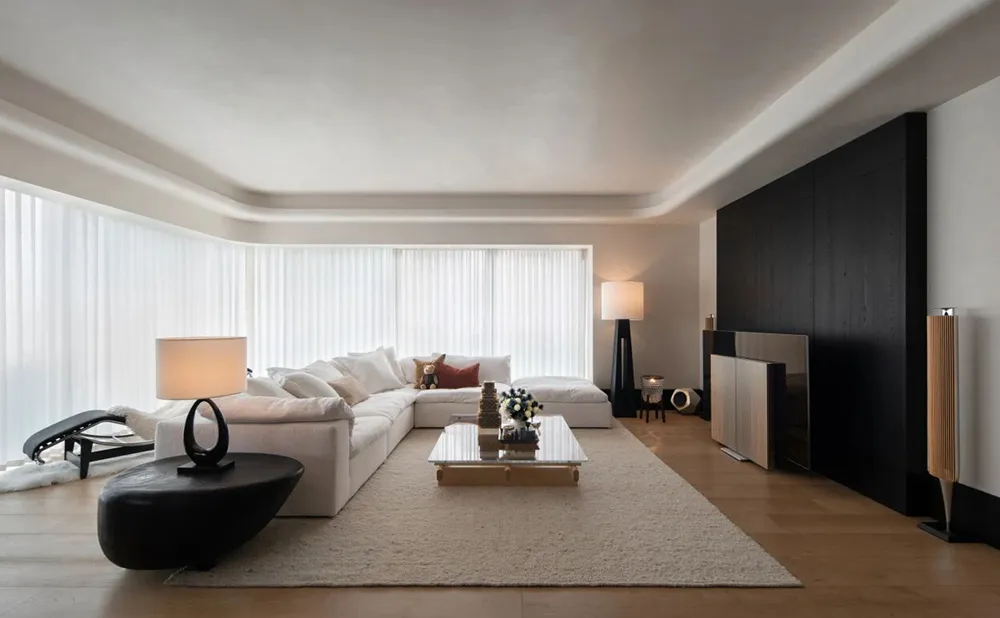
Output · 15-second video
Input · one still render
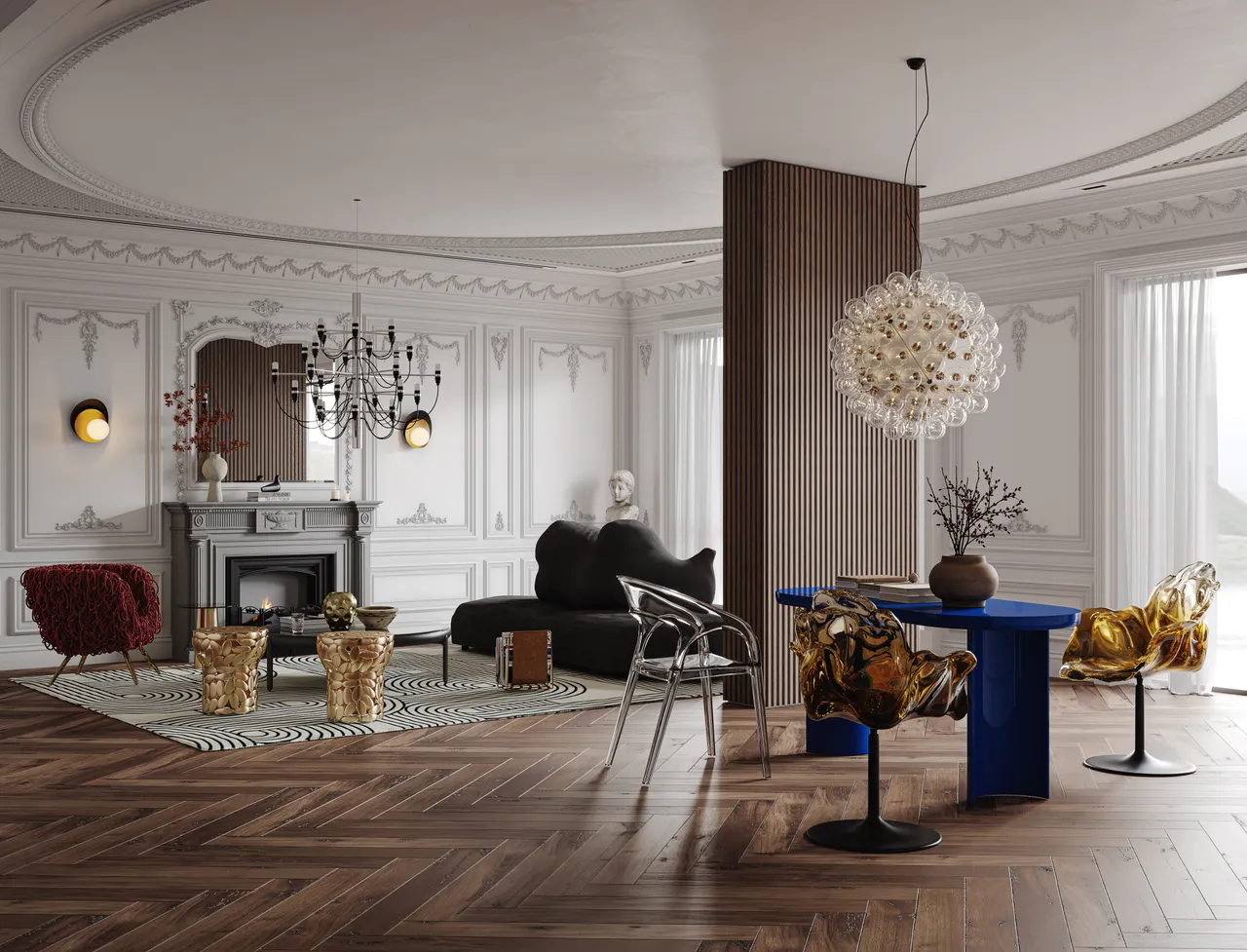
Output · 15-second video
Input · render
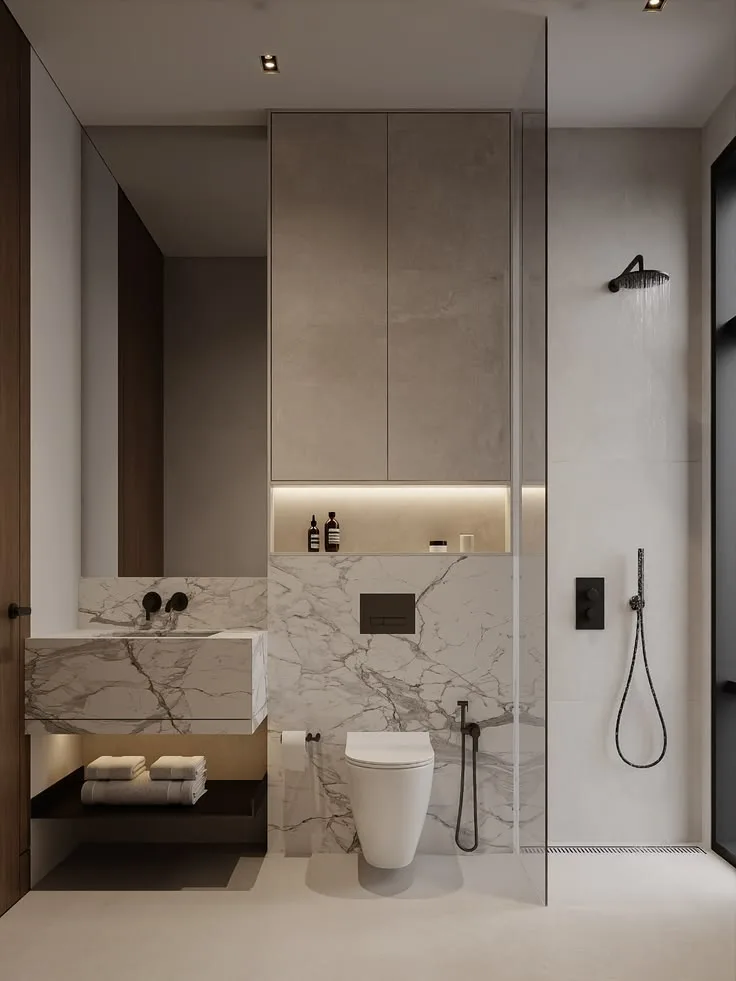
Output · video
How FORMAT works
01
Upload
Upload one interior image or render.
02
Generate
FORMAT creates four close-up views and a 15-second spatial-motion video.
03
Download
Download the finished video for presentations, portfolios and client communication.
What Moves, and What Stays the Same
You upload one interior render or room photo. FORMAT generates a 15-second video from it with the same five camera beats every time — the movement is in the camera, not in the room.
What moves
Five beats, in this order, on every video.
01
Push In
The camera moves forward, into the room.
02
Truck Left
The camera slides sideways to the left.
03
Boom Up
The camera rises slightly — a change of height, never an overhead view.
04
Truck Right
The camera slides sideways to the right.
05
Push Out
The camera draws back out of the space.
What stays the same
FORMAT is built not to redesign the space.
- Furniture, decor and the objects in the frame
- Materials, colors and finishes
- Walls, floor, ceiling, doors and windows
- The layout, and the spatial relationships between the main objects
Each beat moves the camera through the space instead of panning or zooming the frame, so near and far surfaces shift at different rates. That difference is the depth you see.
Generation is not exact. FORMAT is built to hold the design still, but no generative model returns pixel-identical geometry from frame to frame. Small drift is possible, so check the video before it goes to a client.
The camera path is fixed. These five beats run in every video. There is no path to set up, and no way to reorder, extend or replace a move in the current version.
What FORMAT does today
- Single interior image workflow
- 9:16 and 16:9
- 4 generated close-up views
- 15-second space-motion video
- 720p output
- Optional 2K upgrade
- Project history and downloads
Built for visualization work
Interior Designers
Turn still renders into motion for client presentations.
Make client presentation videos →Architects
Present interior concepts with more spatial depth.
Portfolio & Social
Repurpose finished interior visuals into short-form motion content.
Make interior design Reels →Already have finished video rather than a still? VIXL’s AI Video Upscaler raises 720p footage to a higher resolution in the browser.
Pay per video, not per month
A 720p FORMAT video uses 100 Credits, and the optional 2K upgrade adds 25. Credits come in one-time packs, from $12.99 for 400 Credits, with no subscription. That works out to $2.60–$3.25 per 720p video, depending on the pack. upscale the finished video
Your first four close-ups are free, so you can try FORMAT on your own image before you buy Credits.
View PricingFrequently asked questions
What is an AI interior video generator?
- It is a tool that converts a still interior image into a video. FORMAT takes one interior design image and generates a 15-second spatial-motion video, plus four close-up views of the space.
Can FORMAT turn an interior render into a video?
- Yes. Upload a single interior render or photograph and FORMAT generates a spatial-motion video from it. No animation skills or video-editing workflow are required.
Can I use an interior render directly, without rebuilding the 3D scene?
- Yes. Upload the finished still — a V-Ray, Corona, Enscape, D5 or Lumion render, or a photograph — as a JPG, PNG or WEBP up to 10 MB. FORMAT works from that image alone: no scene file, no camera path and no render settings.
Will FORMAT change the furniture, materials or layout?
- FORMAT is built not to redesign the space. Furniture, materials, colors and layout are meant to stay as they are in your image while the camera moves. Generation is probabilistic, so small drift is possible — check the video before a client sees it.
How long is a FORMAT video?
- Every FORMAT video is 15 seconds long — a fixed, presentation-ready duration for client meetings, portfolios and social formats.
How do I use a FORMAT video in a client presentation?
- Upload the render you have already signed off on, generate the 15-second video, and download it for the meeting or the proposal deck. Four close-up views of the same space are generated alongside it, so one render covers both the wide shot and the details.
What aspect ratios does FORMAT support?
- FORMAT supports two aspect ratios: vertical 9:16 and horizontal 16:9. You choose the ratio when you create a project.
Can I export in 2K?
- Yes. Videos are generated at 720p, and an optional 2K upgrade is available per video. The 2K upgrade costs 25 additional Credits on top of the 100-Credit 720p generation.
Do I need to write an AI prompt?
- No prompt is required. FORMAT works directly from your uploaded interior image — you upload, choose a format, and generate.