Interior design Reels from a single image
Choose 9:16 and FORMAT turns one interior render or photo into a 15-second vertical video for Instagram Reels, TikTok and YouTube Shorts, plus four close-up stills for carousels and stories.
One image in. One moving shot out.
Three real FORMAT results, each from a single interior render with no scene file and no prompt: one vertical 9:16 video for Reels, TikTok and Shorts, and two 16:9 videos for YouTube, websites and presentations.
Input · render
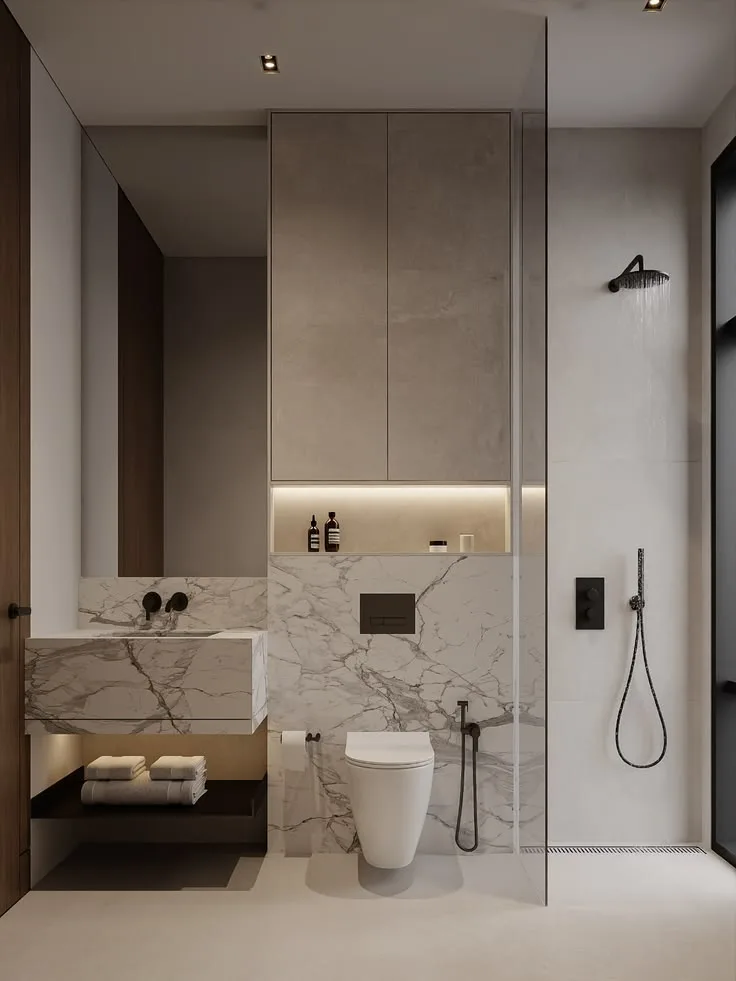
Output · video
Input · one still render
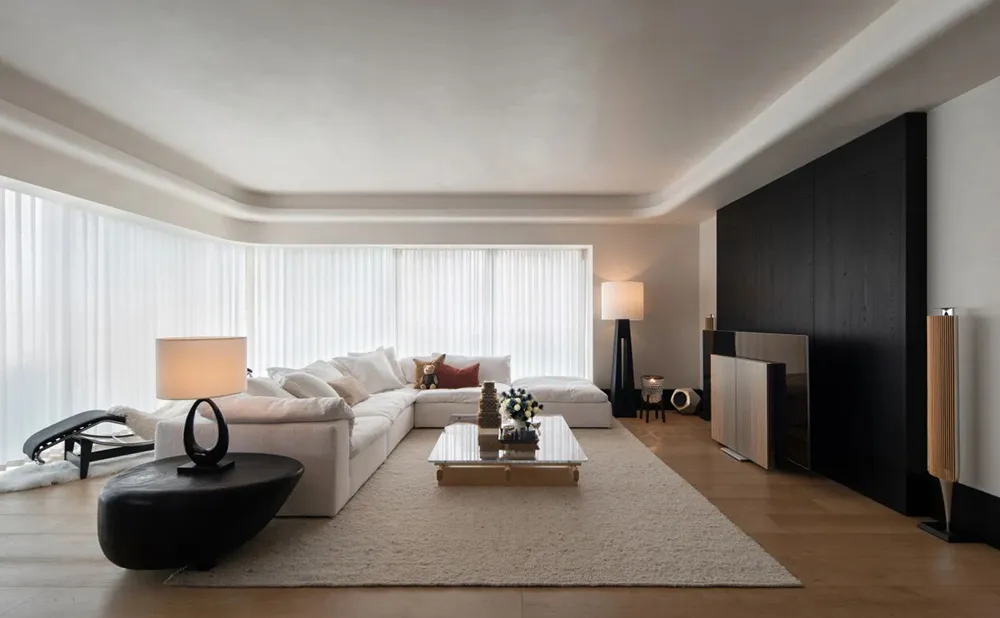
Output · 15-second video
Input · one still render
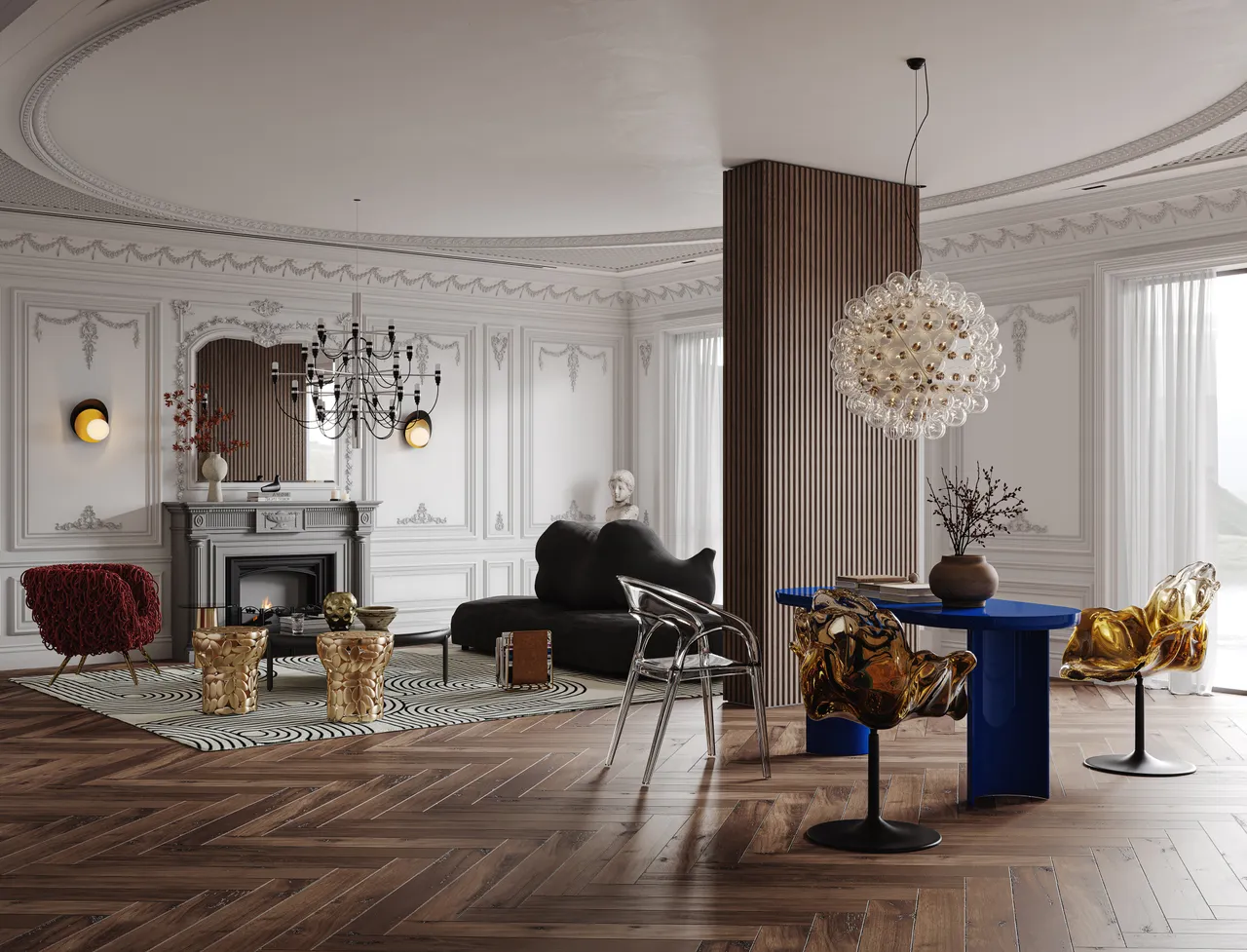
Output · 15-second video
Made for vertical feeds
- 9:16 vertical video: 720×1280, or 1440×2560 with the 2K upgrade
- 15 seconds, a length that fits Reels, TikTok and Shorts
- Four close-up views to post as carousel slides or story frames
- Silent MP4, so you can add a sound inside the app
- Camera movement with depth and parallax, not a flat zoom-and-pan
- No visible watermark on downloads
From image to Reel in four steps
01
Create a 9:16 project
Choose the 9:16 ratio and add one render or photo of the space.
02
Generate
FORMAT prepares four close-ups of the space, then creates the 15-second vertical video.
03
Download, or upgrade to 2K
Download the 720p video (720×1280). For extra sharpness on large phone screens, upgrade it to 2K (1440×2560) first.
04
Add sound and text in the app
Post it as a Reel, TikTok or Short, then add music, captions and your studio handle in the app.
Five post ideas for interior designers
One image, one 15-second video and four close-ups go a long way on social. A few ways studios can use them:
01
Project reveal
Post a finished render as a motion teaser before the photo shoot is done.
02
Concept preview
Share an approved concept as a short moving preview while the project is still on paper.
03
Portfolio refresh
Turn past renders and project photos into new motion content for your grid.
04
Detail carousel
Pair the video with the four close-ups to show materials, lighting and furniture up close.
05
A horizontal cut
Run the same image again in 16:9 (1280×720) for YouTube, your website or a client presentation.
Pay per video, not per month
A 720p FORMAT video uses 100 Credits, and the optional 2K upgrade adds 25. Credits come in one-time packs, from $12.99 for 400 Credits, with no subscription. That works out to $2.60–$3.25 per 720p video, depending on the pack.
View PricingFrequently asked questions
What resolution is a FORMAT Reel?
- 720×1280 by default. The optional 2K upgrade produces 1440×2560.
Does it include music?
- No. Videos are silent, so you can choose a sound inside Instagram, TikTok or YouTube.
Can I make horizontal videos too?
- Yes. Choose 16:9 when you create the project to get a 1280×720 video for YouTube, websites and presentations.
Can I use photos of a finished project?
- Yes. FORMAT works from interior photographs as well as renders: JPG, PNG or WEBP, up to 10 MB.
Can I change the length or the camera movement?
- Not currently. Every video is 15 seconds long and uses the same five-move camera sequence: push in, truck left, boom up, truck right, push out.
Do I need to write a prompt?
- No. You upload an image, choose a ratio and generate.