Client presentation videos from your renders
Show clients the space moving, not just a still. FORMAT turns the render you are already presenting into a 15-second 16:9 video with four close-up views, ready for meetings, proposal decks and follow-up emails.
The render you present, now moving.
Three real FORMAT results, each generated from a single interior render with no scene file and no prompt: two 16:9 videos for screens and decks, and one vertical 9:16 video for phones.
Input · one still render

Output · 15-second video
Input · one still render

Output · 15-second video
Input · render
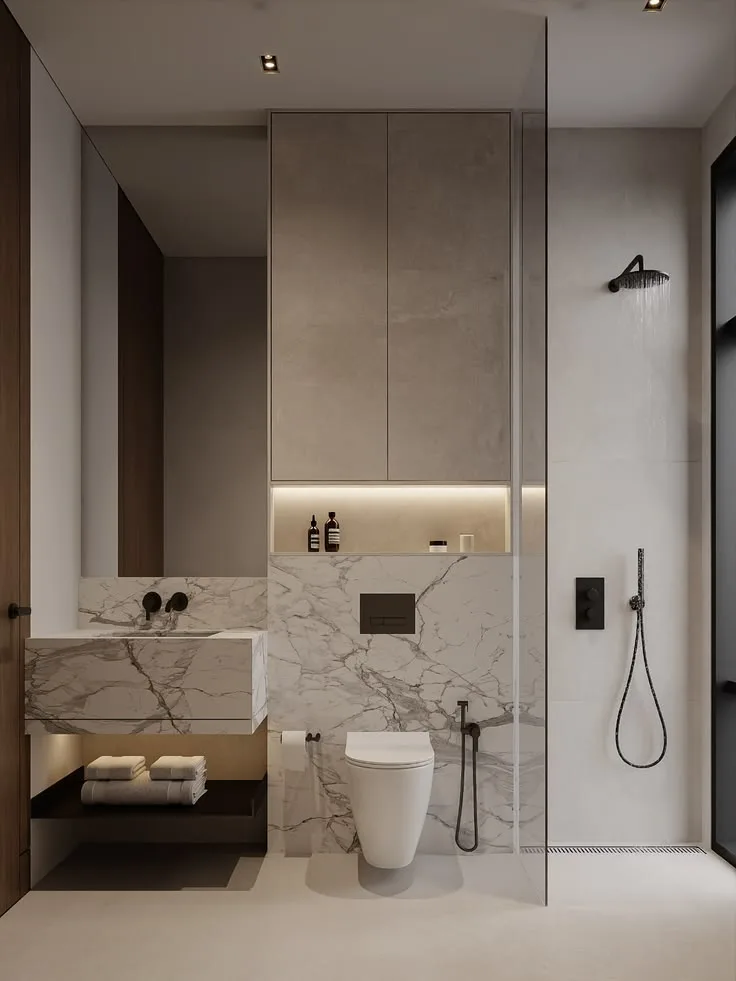
Output · video
Where a 15-second video fits in a client presentation
01
Open the meeting
Play the video before you walk through plans and material boards, so the client sees the space as a whole first.
02
Put it in the deck
The download is a standard MP4, so it drops straight into Keynote or PowerPoint. In Google Slides, upload it to Google Drive and insert it from there.
03
Back up the details
Place the four close-up views next to your material and finish selections.
04
Send it after the meeting
The 16:9 720p examples on this page are about 3 MB each, small enough for email or a messaging app.
Tips for presentation-ready results
- Use 16:9 for screens, projectors and video calls
- Upgrade to 2K (2560×1440) for large meeting-room screens
- Start from the render the client has already approved
- The video is silent, so you can narrate it live
- FORMAT is built not to redesign the space; review each video before you share it
- Need a phone-friendly cut? Create a 9:16 project for a vertical version
Pay per video, not per month
A 720p FORMAT video uses 100 Credits, and the optional 2K upgrade adds 25. Credits come in one-time packs, from $12.99 for 400 Credits, with no subscription. That works out to $2.60–$3.25 per 720p video, depending on the pack.
View PricingFrequently asked questions
Can I put a FORMAT video in PowerPoint or Keynote?
- Yes. FORMAT downloads are standard MP4 files (H.264), which both PowerPoint and Keynote can play. Insert the file like any other video.
How do I add it to Google Slides?
- Upload the MP4 to Google Drive, then in Slides choose Insert → Video → Google Drive and pick the file.
How big is the video file?
- The two 16:9 720p examples on this page are about 3 MB each. The optional 2K upgrade produces a larger file.
Will the video change my design?
- FORMAT is built not to redesign the space: furniture, materials and layout are meant to stay as they are while the camera moves. As with any AI generation, review the result before you share it with a client.
Does it include sound?
- No. The video is silent, so you can talk over it in the meeting or add music in any video editor.
Can my client watch it on a phone?
- Yes. MP4 files play on any phone. For a full-screen vertical version, create a 9:16 project as well.